
Remote desktop or screen sharing: which should you choose?
Seeing the same screen and working on another computer serve different needs. A practical guide to choosing the right connection.
The key difference: showing and controlling
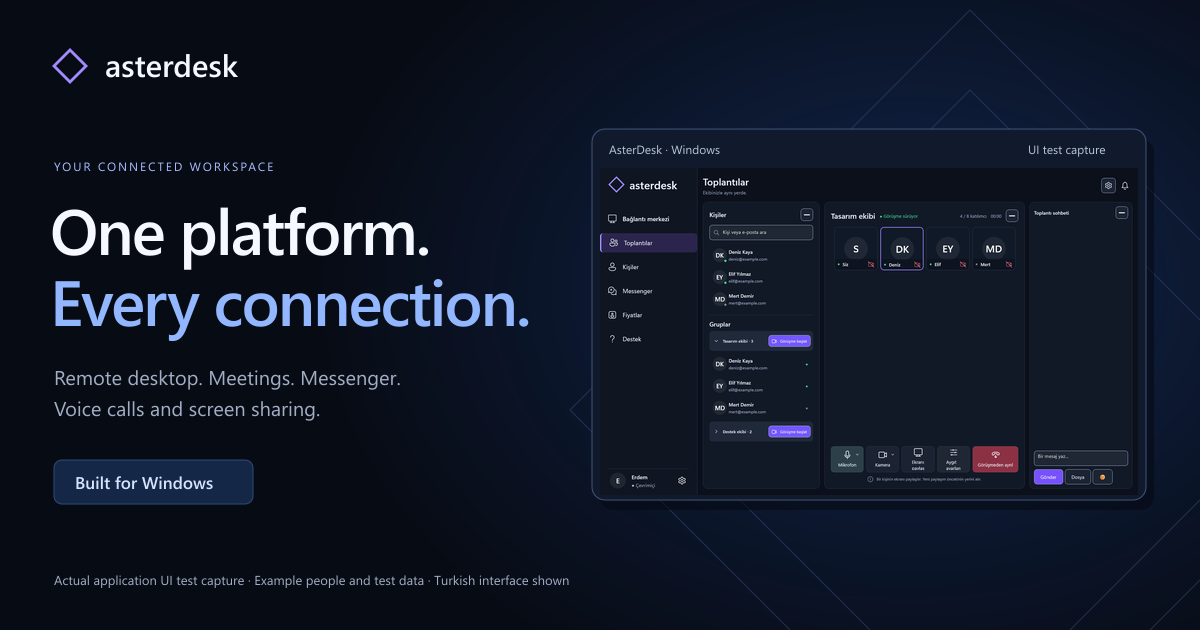
Screen sharing helps you show what is on your desktop to others in a meeting. It suits presentations, product walkthroughs and discussions about a document. Letting someone see your screen does not mean giving them control of your computer. Remote desktop is a connection for working on another Windows computer. AsterDesk brings these two use cases into the same application.
Choose for the task
Start with screen sharing when you are presenting. Team members can see the same content while discussing it in a voice or video meeting. An authorized remote desktop session may be more suitable when technical support requires working through an issue on another computer. Obtain the device owner’s permission and work only on computers you are authorized to access.
Prepare before connecting
Close unnecessary windows and remove personal information you do not need to share. Explain what you intend to do and keep communicating throughout the task. End the share or session using the application controls when you finish. AsterDesk currently runs as a Windows application; remote control is not started in the browser through this website.