
Prepare your camera and microphone before a meeting
Review your devices, permissions and sharing setup before your meeting starts.
Check your devices
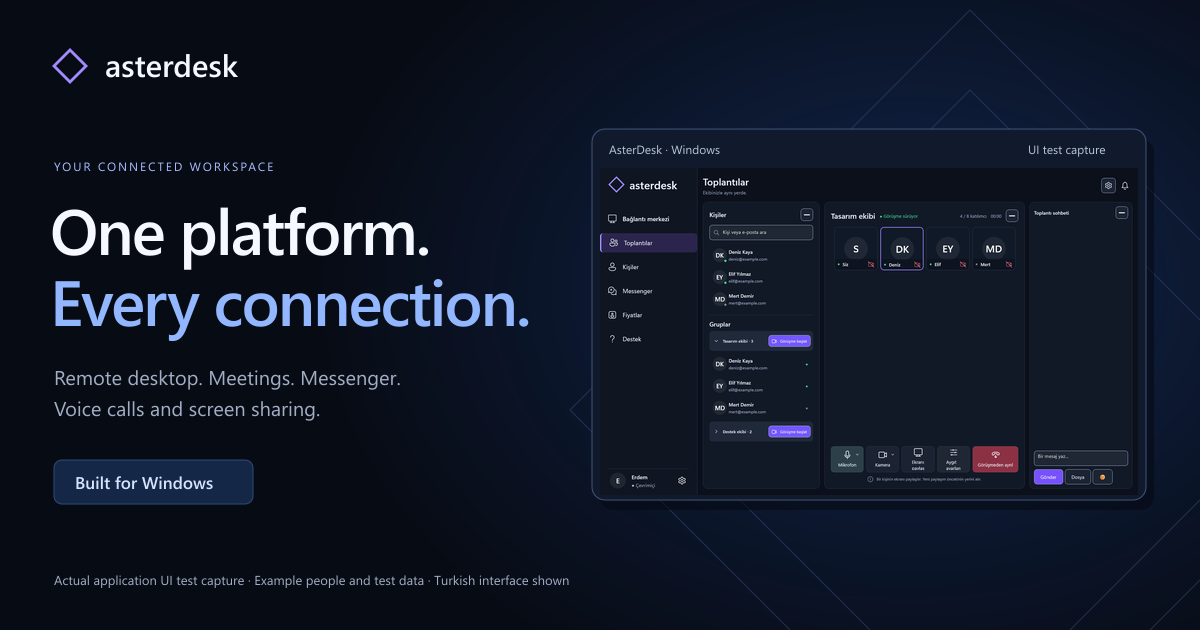
AsterDesk provides group video and voice meetings on Windows. Before a meeting, check that the headset, microphone and camera you intend to use are connected. If you have several devices, review the devices selected in Windows sound and camera settings. Another application using the camera may affect availability; close camera applications you do not need.
Review permissions and your environment
Review microphone and camera access in Windows privacy settings. When an application requests permission, read what access it is asking for. A quiet room and a headset can make a conversation easier to follow; this is practical advice rather than a guarantee of a particular audio quality. Remove documents or personal items you do not want visible behind you.
Plan screen sharing
Open the presentation or document you plan to show in advance. Close confidential information and unnecessary windows. Locate the meeting’s camera, microphone and screen sharing controls, and leave the meeting when it is over. If a device or connection problem persists, create a support request from your account and describe the problem with your application version. Keep passwords and private access information out of the request.