
One platform.
Every connection.
Remote desktop, video and voice meetings, screen sharing and instant messaging. Together in the AsterDesk Windows application.
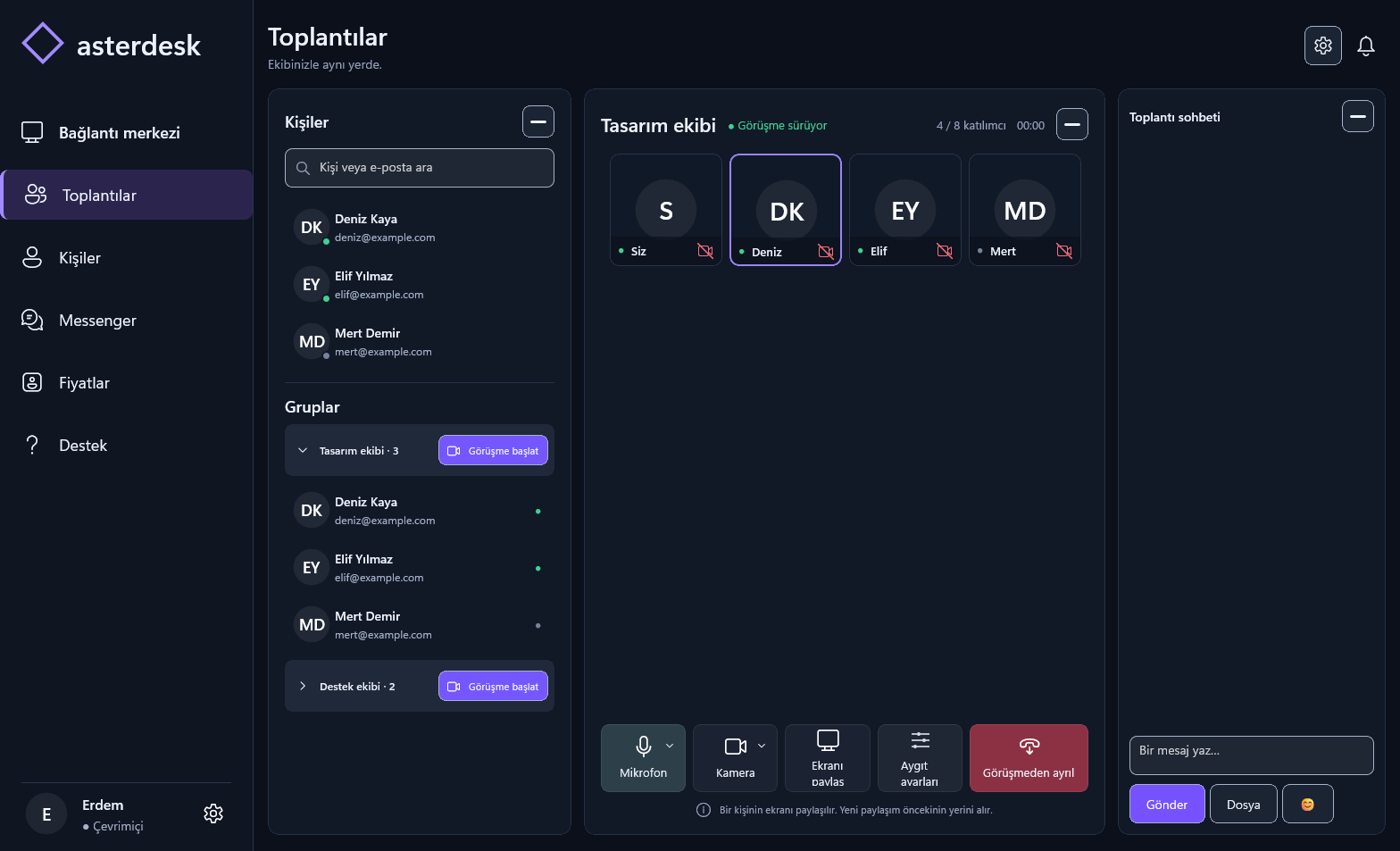
Every part of your work.
Brought together.
Connect to a computer, bring your team into a meeting or keep the conversation going. However you work, keep your connections in one place.
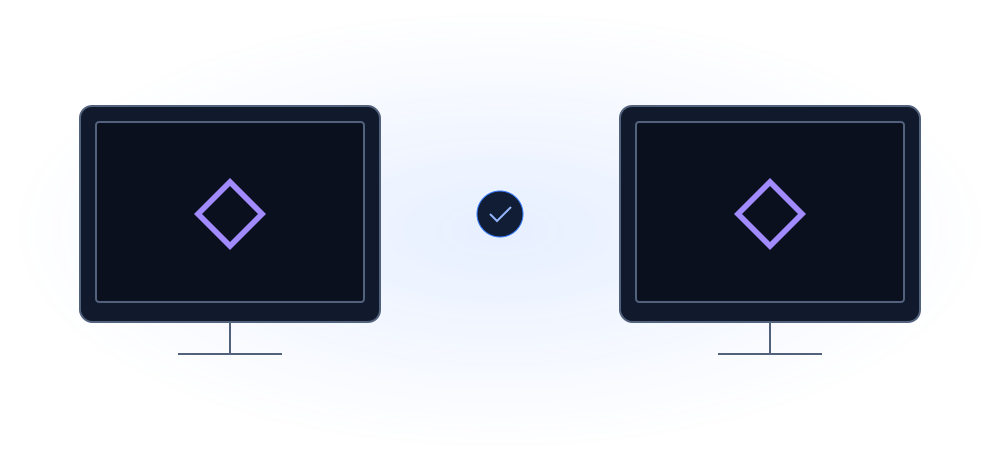
The same desktop.
Different places.
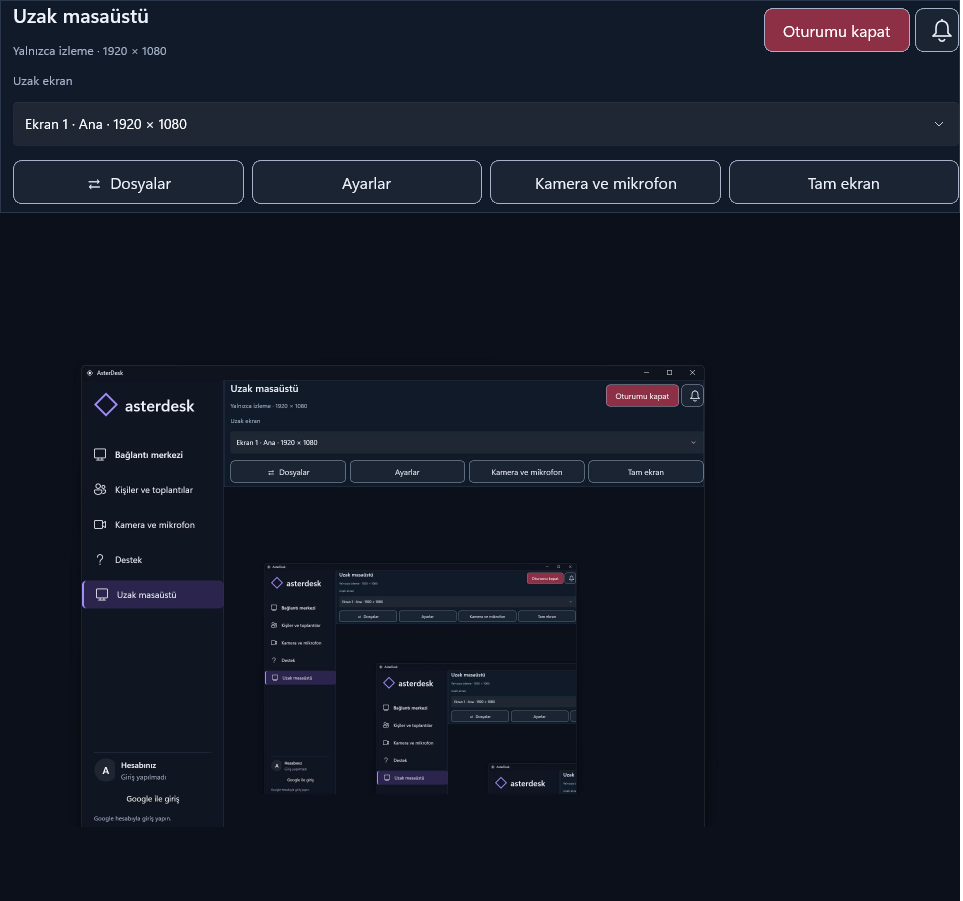
Remote support starts with seeing the issue together. Connect to another Windows computer and manage your support session in one interface.
- Remote desktop connections
- Support sessions with user permission
- Work together on Windows
Start with a message.
Move forward together.
Sometimes a message is enough. Sometimes you need to talk. Move between messaging, one-to-one voice and video calls with Messenger.
Meet Messenger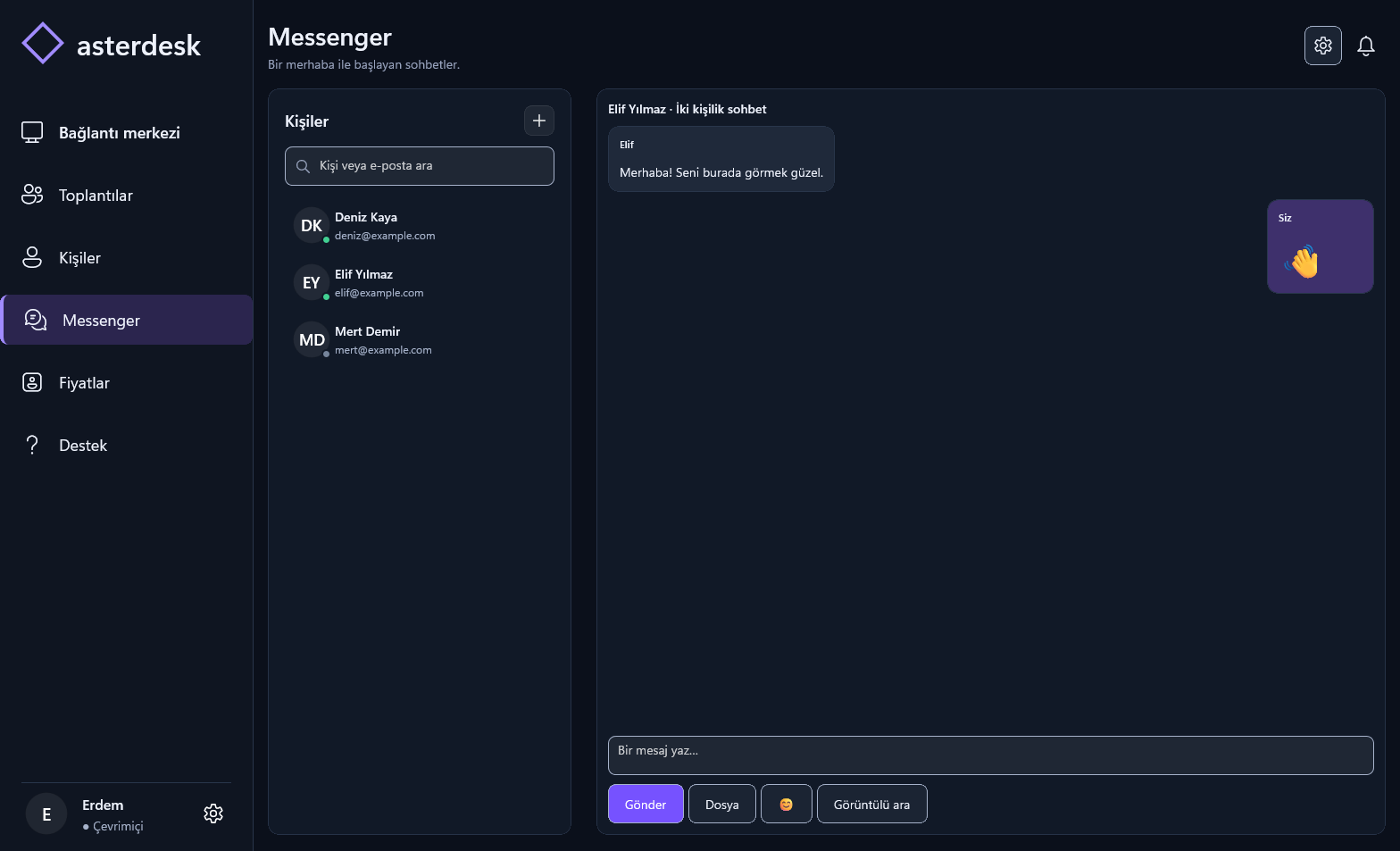
Before you connect.
What is AsterDesk?+
A Windows application combining remote desktop, remote support, video and voice meetings, screen sharing and messaging.
Which platforms are supported?+
AsterDesk is currently available for Windows only. You can browse this website on a mobile device.
Can I share my screen in a meeting?+
Yes. AsterDesk supports desktop sharing in meetings.
What does Messenger include?+
Instant messaging, one-to-one voice calls and video calls.
It all comes together.
In AsterDesk for Windows.
View release and installation details.