
Screen sharing
Share your screen. Share your ideas.
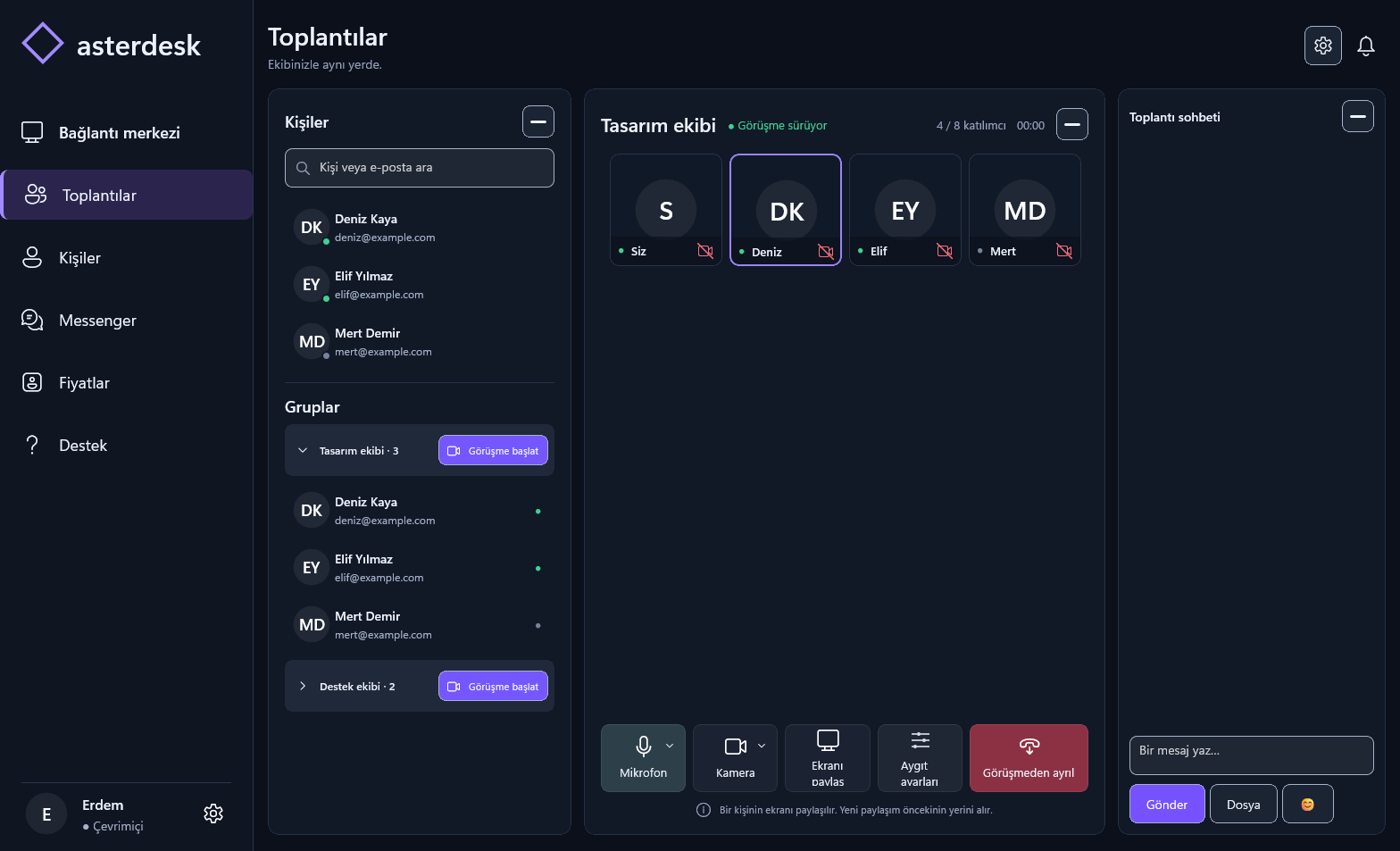
Show your desktop in a meeting, present your work and discuss the same content. Screen sharing and remote control serve different purposes.
FITS YOUR WORKFLOW
Work together.
Show your desktop in a meeting, present your work and discuss the same content. Screen sharing and remote control serve different purposes.
Use this feature in the AsterDesk Windows application. This website provides product information and account management; remote control runs in the Windows application.
01
Get the Windows application.
02
Sign in to your account in the application.
03
Start the connection your work calls for.
Connected features
YOUR NEXT CONNECTIONIt all comes together.
It all comes together.
In AsterDesk for Windows.
Download for Windows
View release and installation details.